
Here you can set the general options for how Lookfy works in your store.
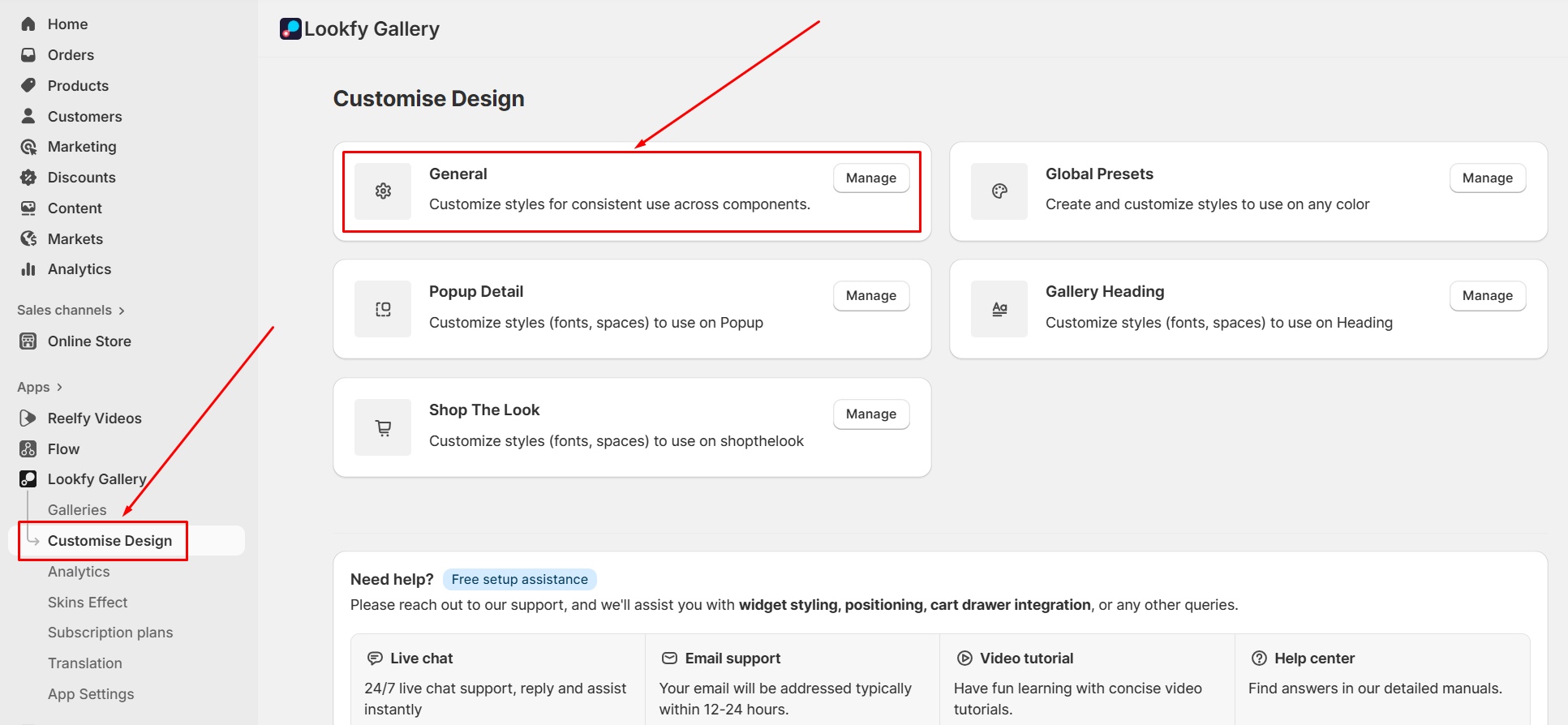
In Lookfy’s main menu on the left side, click Customise Design, then click General
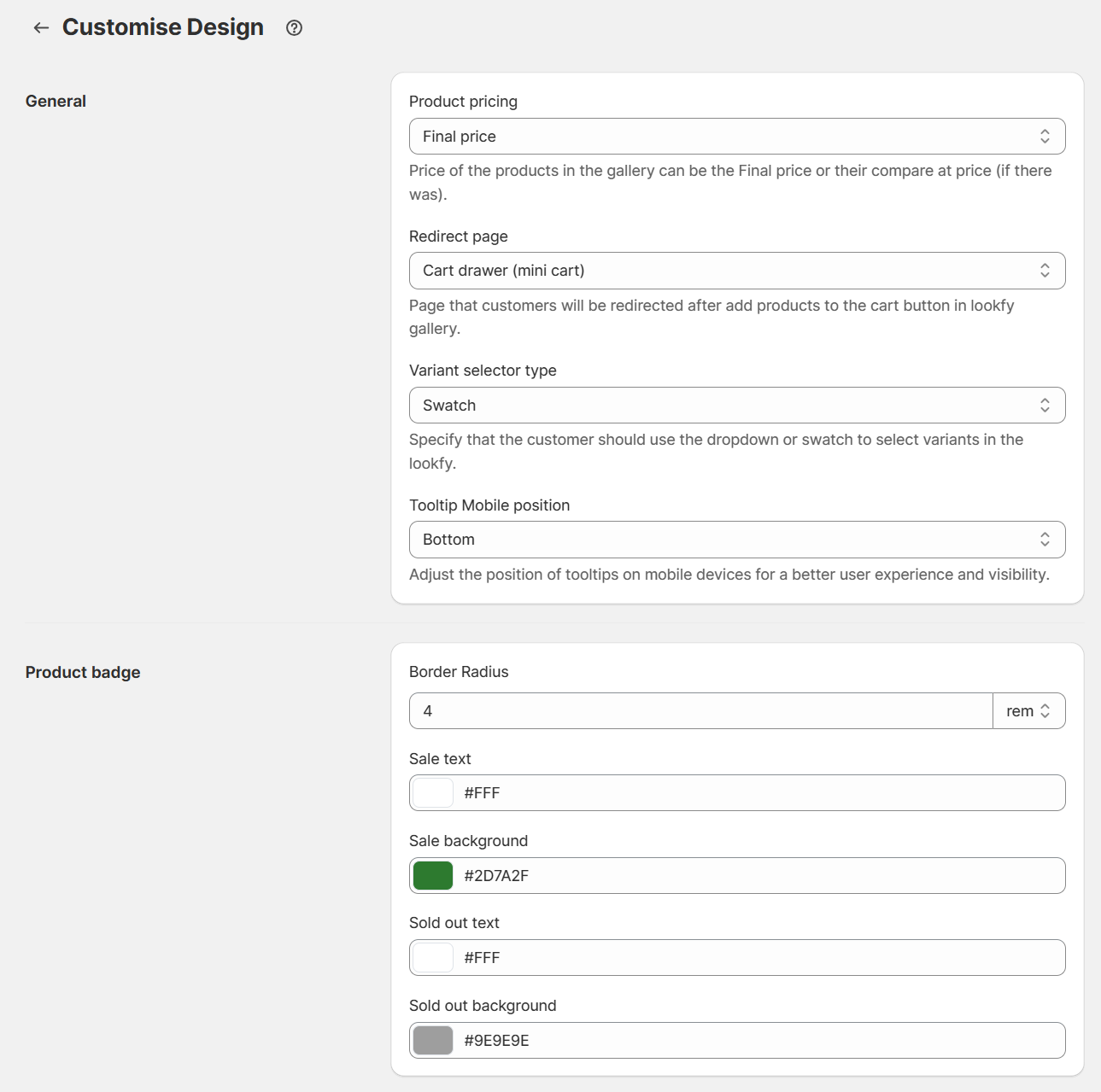
Product pricing: Price of the products in the gallery can be the Final price or their compare at price (if there was).
Redirect page: Page that customers will be redirected after add products to the cart button in lookfy gallery.
Variant selector type: Specify that the customer should use the dropdown or swatch to select variants in the lookfy.
Tooltip Mobile position: Adjust the position of tooltips on mobile devices for a better user experience and visibility.
Product badge: Adjust the color for text and background of the badge in sale and sold out product.