
To disable the selected skin effect for a gallery, you just need to scroll down to Skins Effect, click Selected tab, then click on the selected skin and save the change.
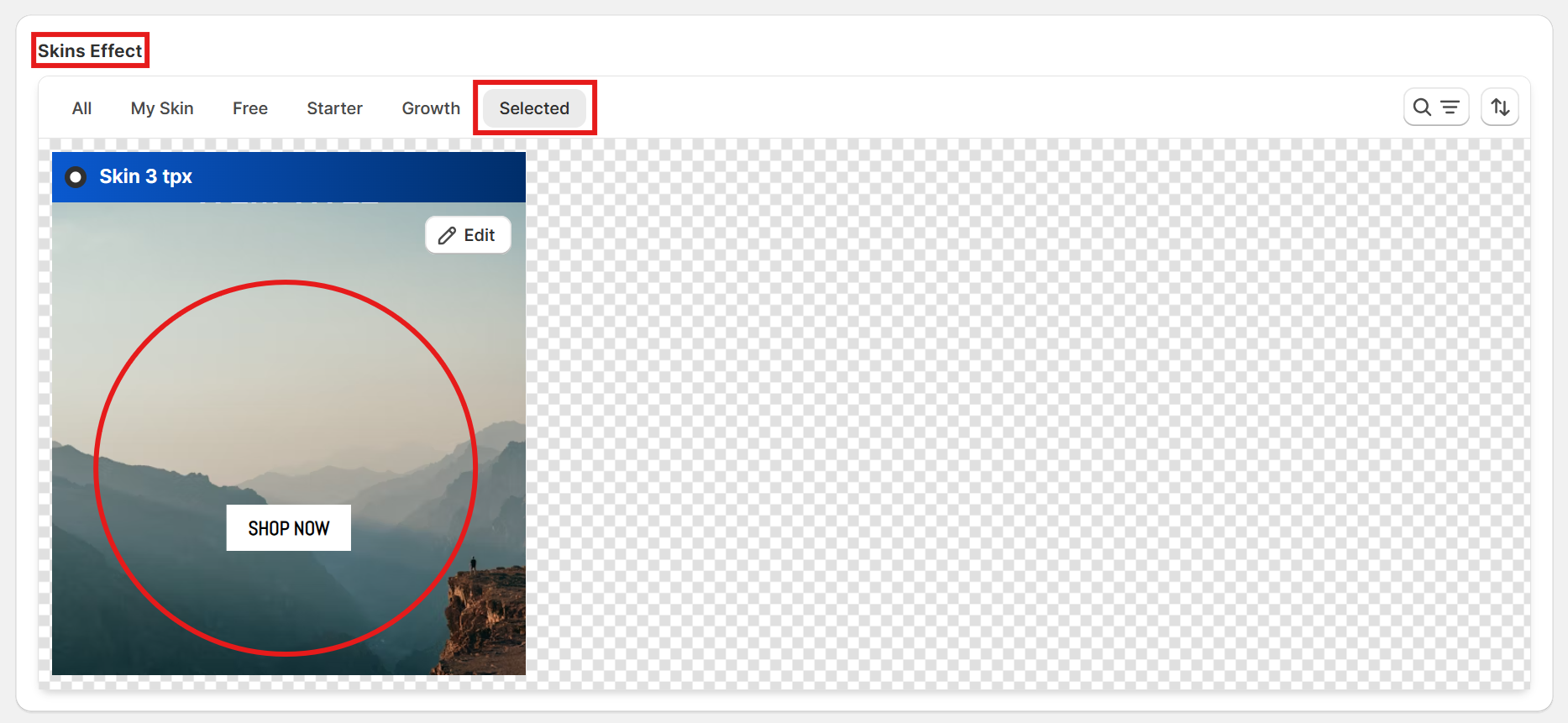
To disable the selected skin effect for a gallery, you just need to scroll down to Skins Effect, click Selected tab, then click on the selected skin and save the change.