
When users click on an image, you may want it to open a page, a product or a collection. To achieve that you have to put a link to that image.
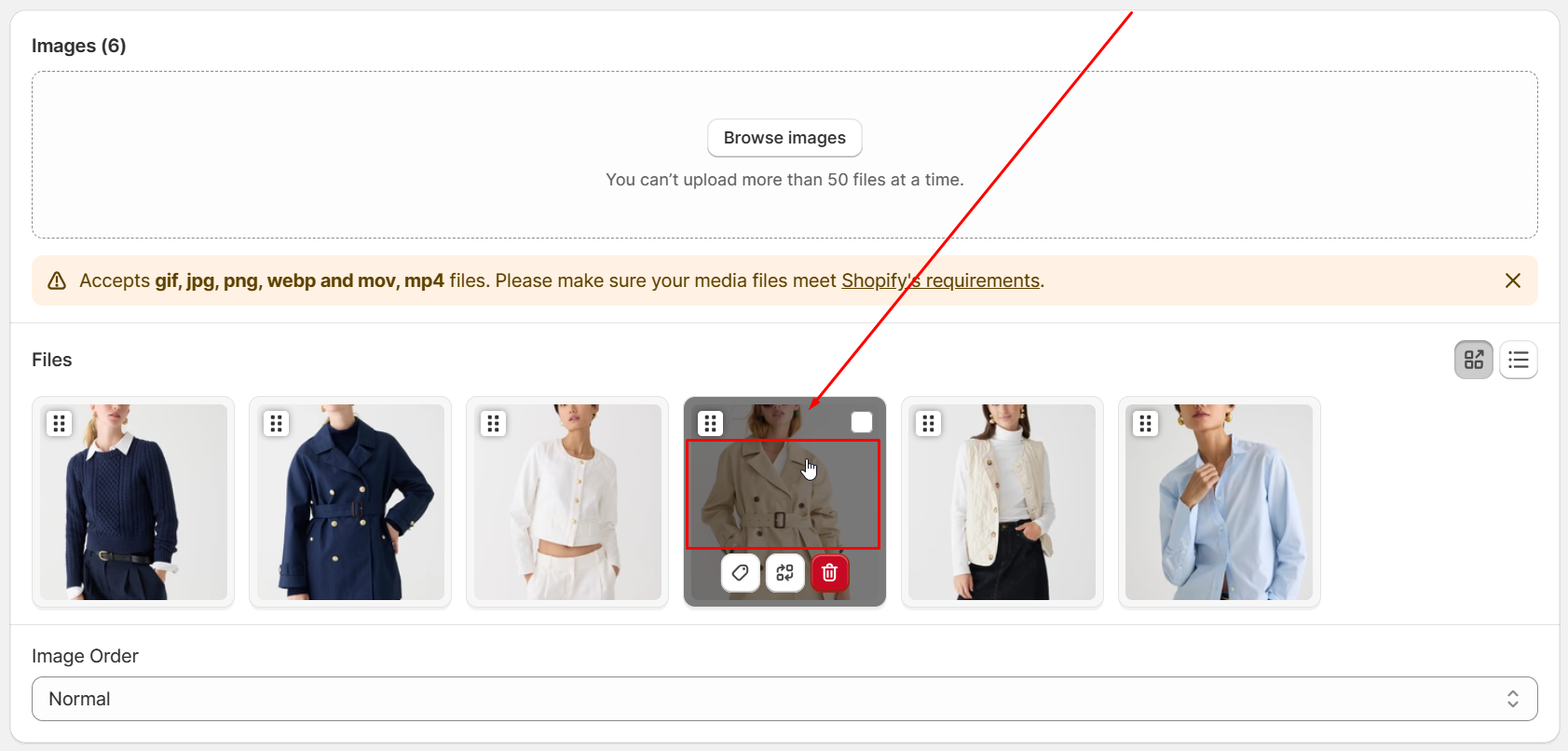
In the gallery settings page in admin, go to the Images Section, click the image that you want to add link to:
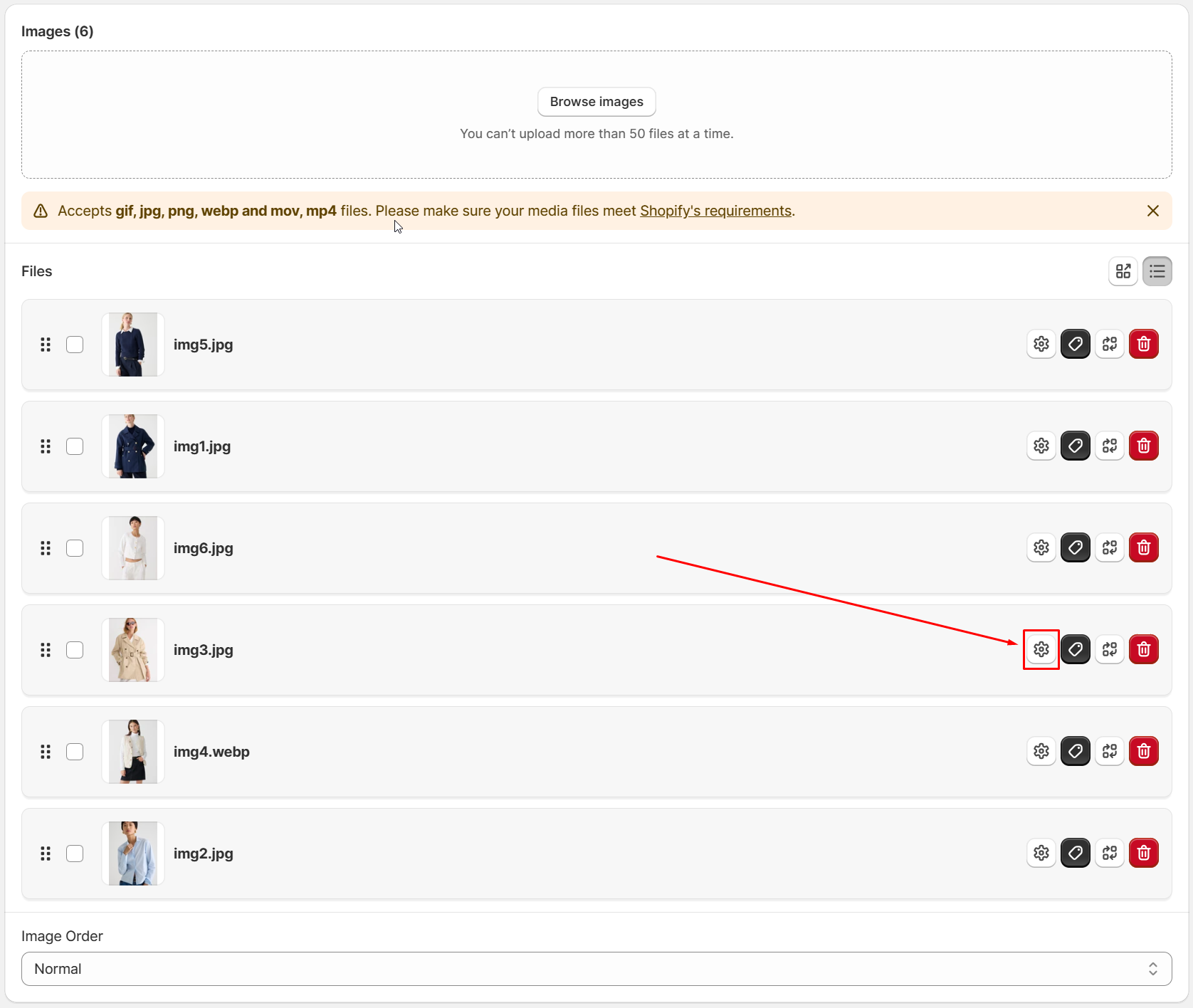
Then input the link into the Link filed:
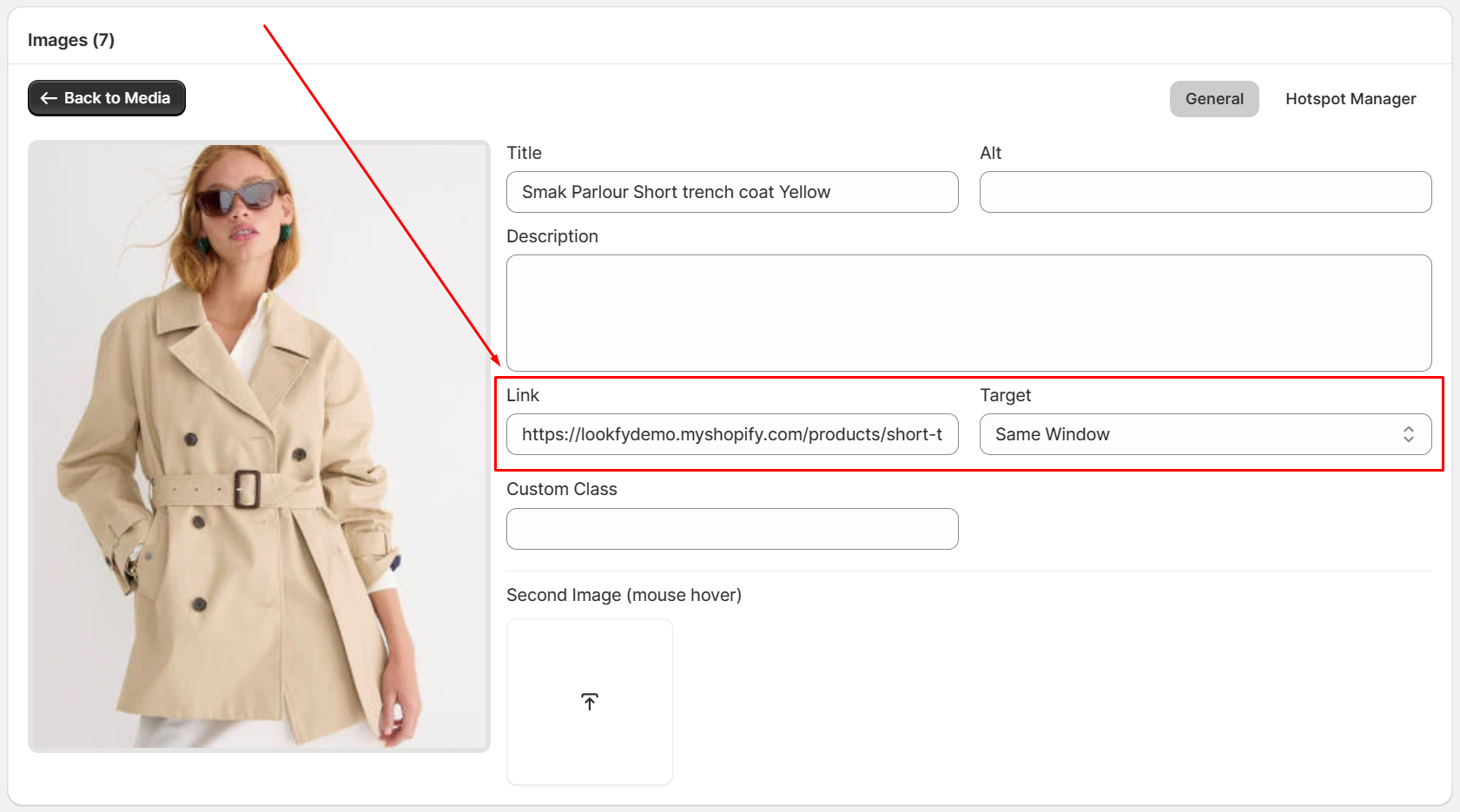
In the Target dropdown, you can choose to open the page in the same window or a new window.
Remember to save the change and you are done!